In Blend 4, Fluid Layout has many new tricks. You can now define layout animations between a master list and a detail view and animate things that move between lists. You can also animate the process of items being added to and removed from a ListBox.
An exciting enhancement has been made to the FluidMoveBehavior.
FluidMoveBehaviorMasterDetail


By using FluidMoveBehavior together with FluidMoveSetTagBehavior, you can animate a transition from a specified starting point, even if that initial location is specified only by a reference to the data that is displayed in your application and may exist in a different scope. Data tagged by FluidMoveSetTagBehavior is available for use with FluidMoveBehavior by using a hidden data store.
FluidMoveBehavior is optimized for two main scenarios: animating from a master list to a detail view and animating list items from one list to another.
FluidMoveBehaviorListToList

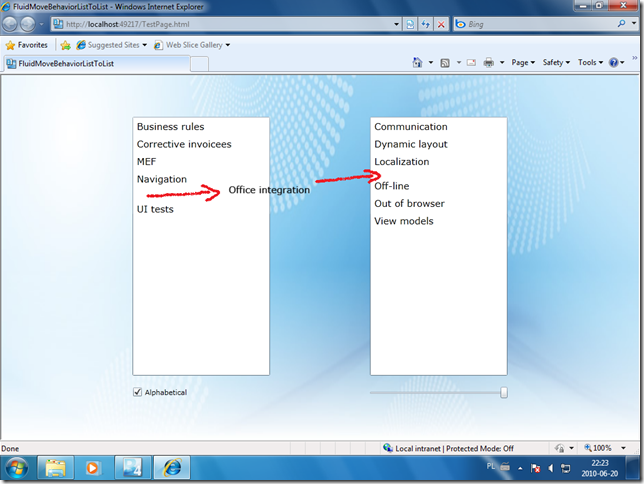
In Silverlight 4, a special VisualStateGroup called LayoutStates has been added specifically for animating adding items to and removing items from a ListBox (or custom ItemsControl). You may have a look at my previous post (updated sample you can get from here).
If you also apply a FluidMoveBehavior behavior to the items panel of the ListBox, existing items will smoothly make room for entering new items.

Useful links


 Posts
Posts


